

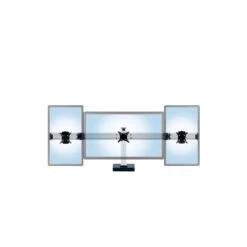
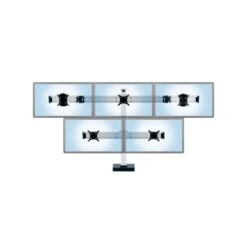
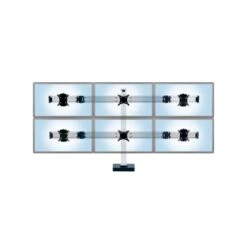
Connect Multi-Monitor Stand
Original price was: $311.00.$99.99Current price is: $99.99.
- Uncompromising quality, every time.
- Your questions, our prompt answers.
- 7 days return and exchange
- Free Shipping, No Compromise on Quality

CONFIGURE, ADAPT, AND GROW THIS MODULAR SYSTEM ACCORDING TO YOUR NEEDS
- Multi-monitor stand supports virtually any configuration from 2 to 8 monitors
- Modular design allows gradual expansion with full reuse of original components
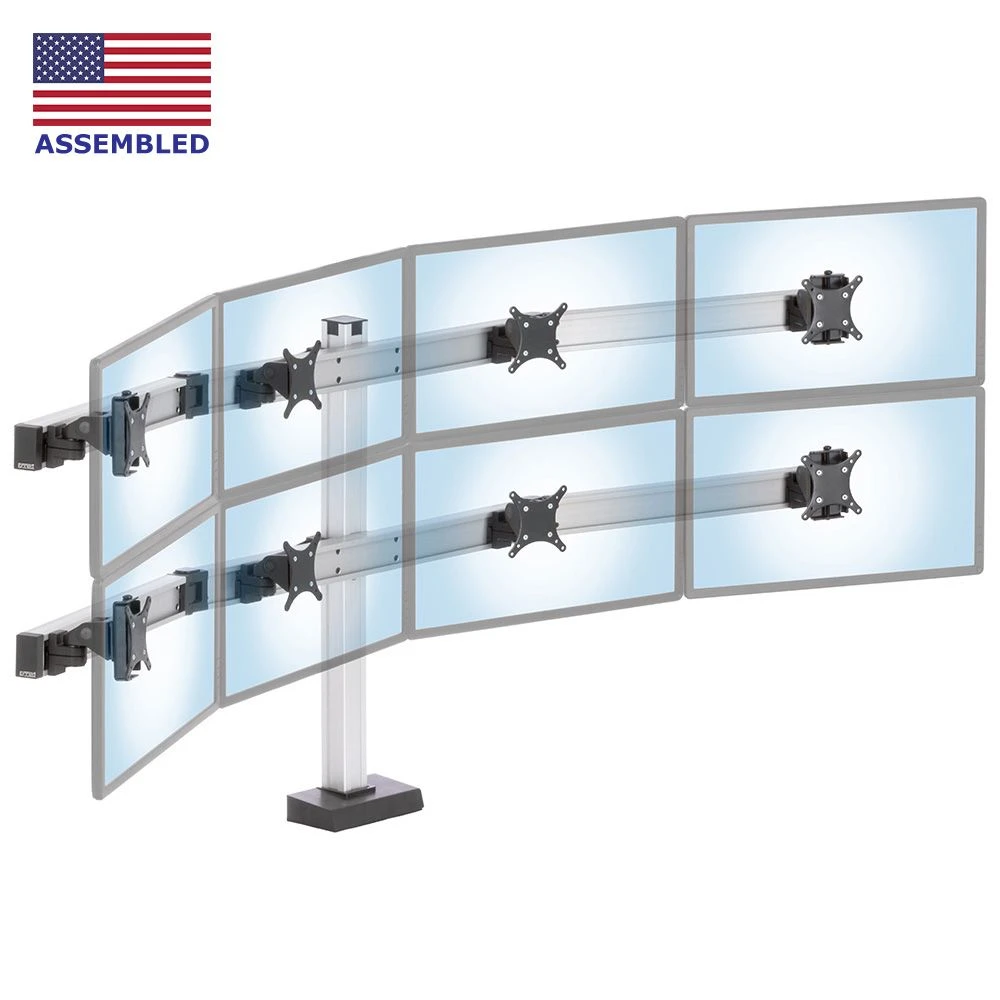
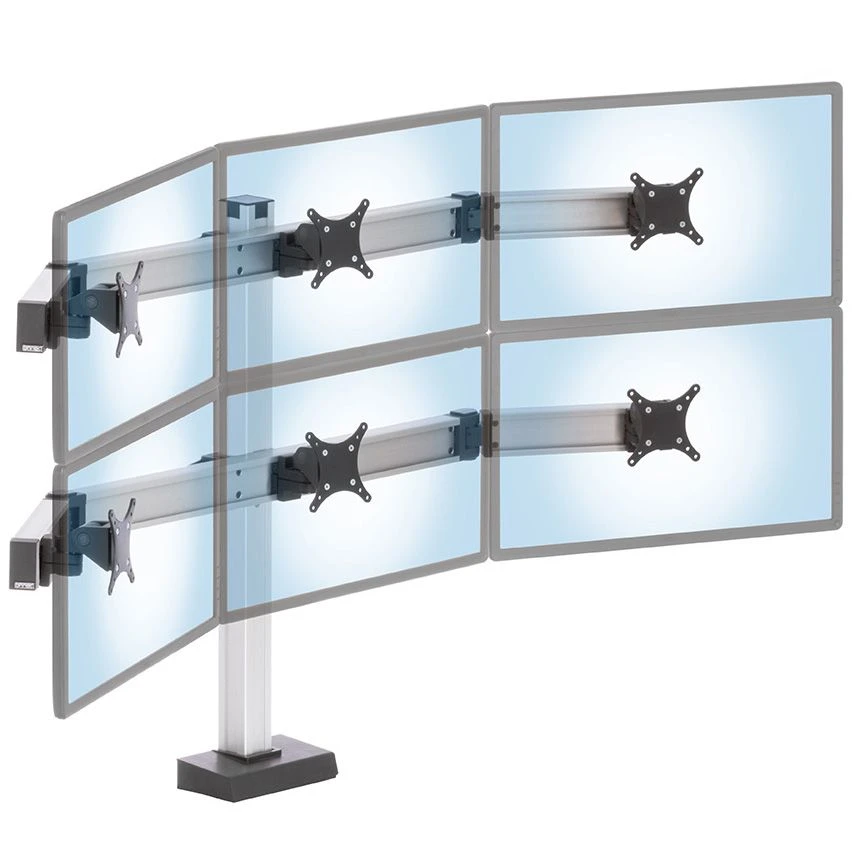
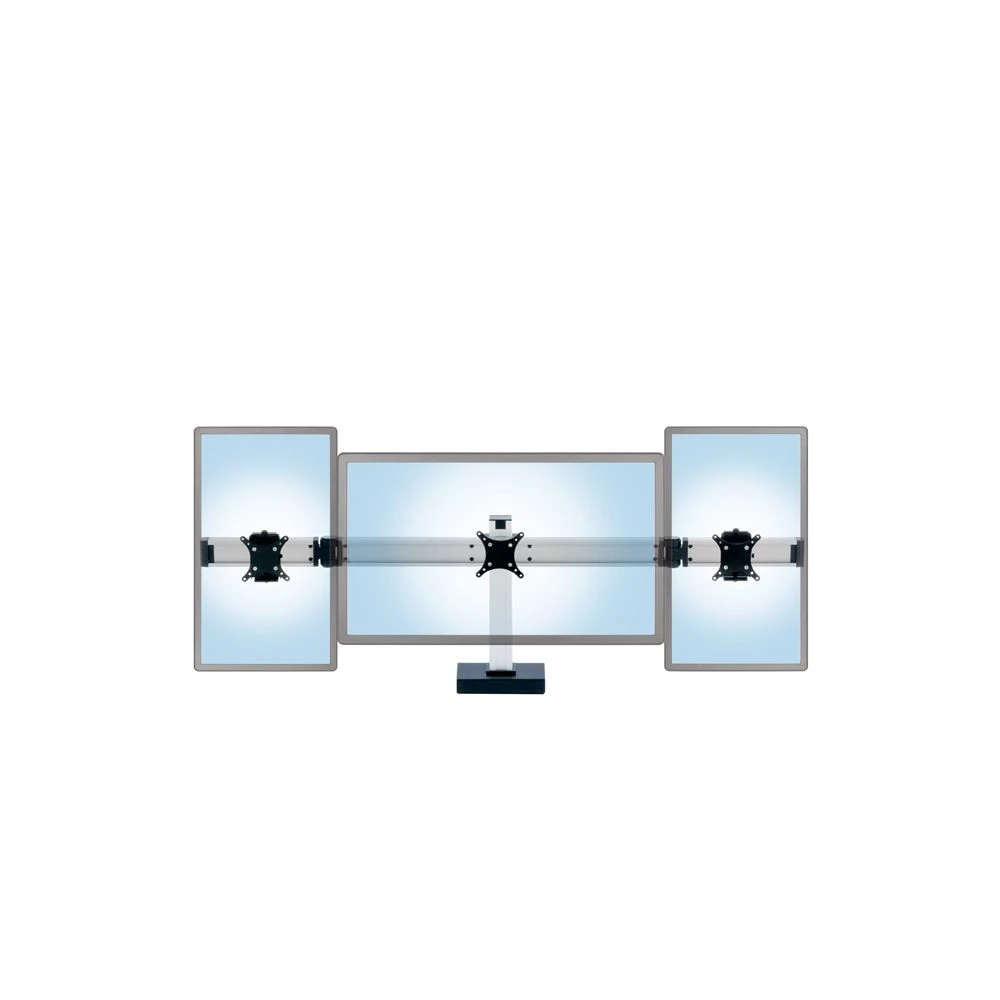
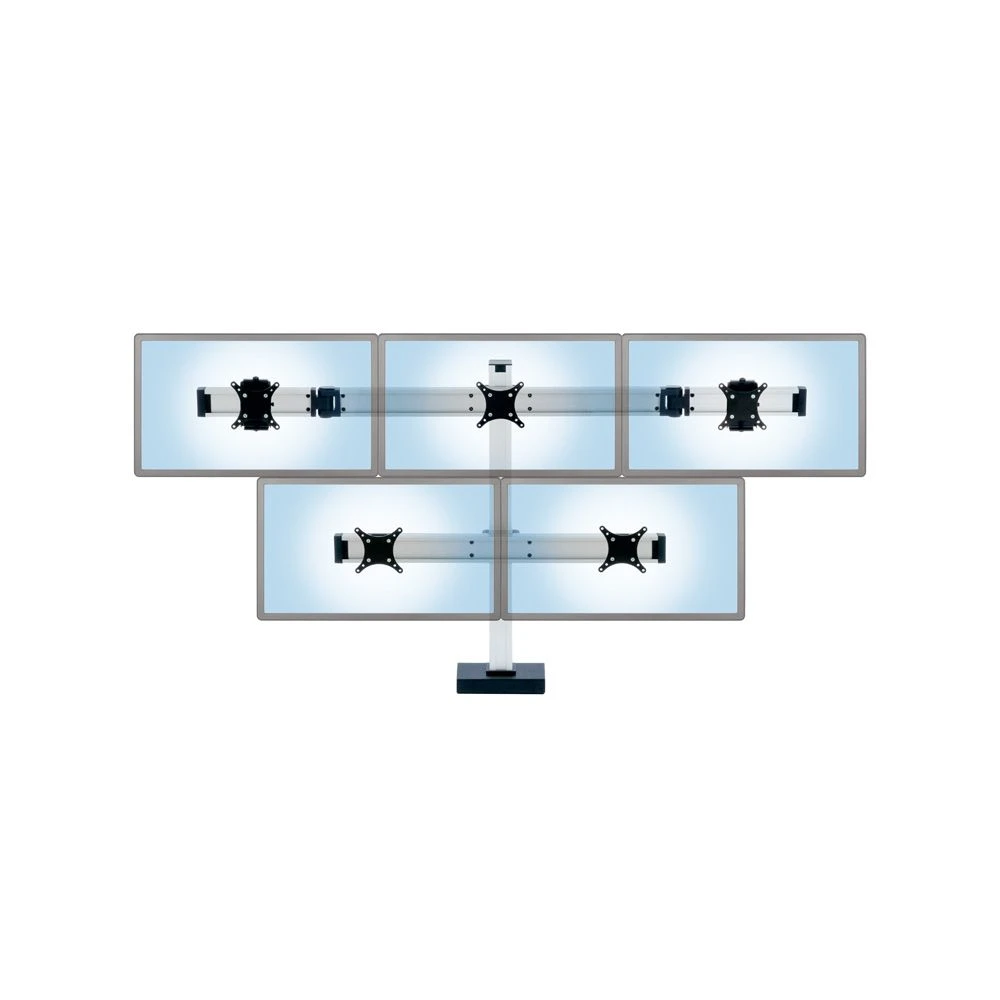
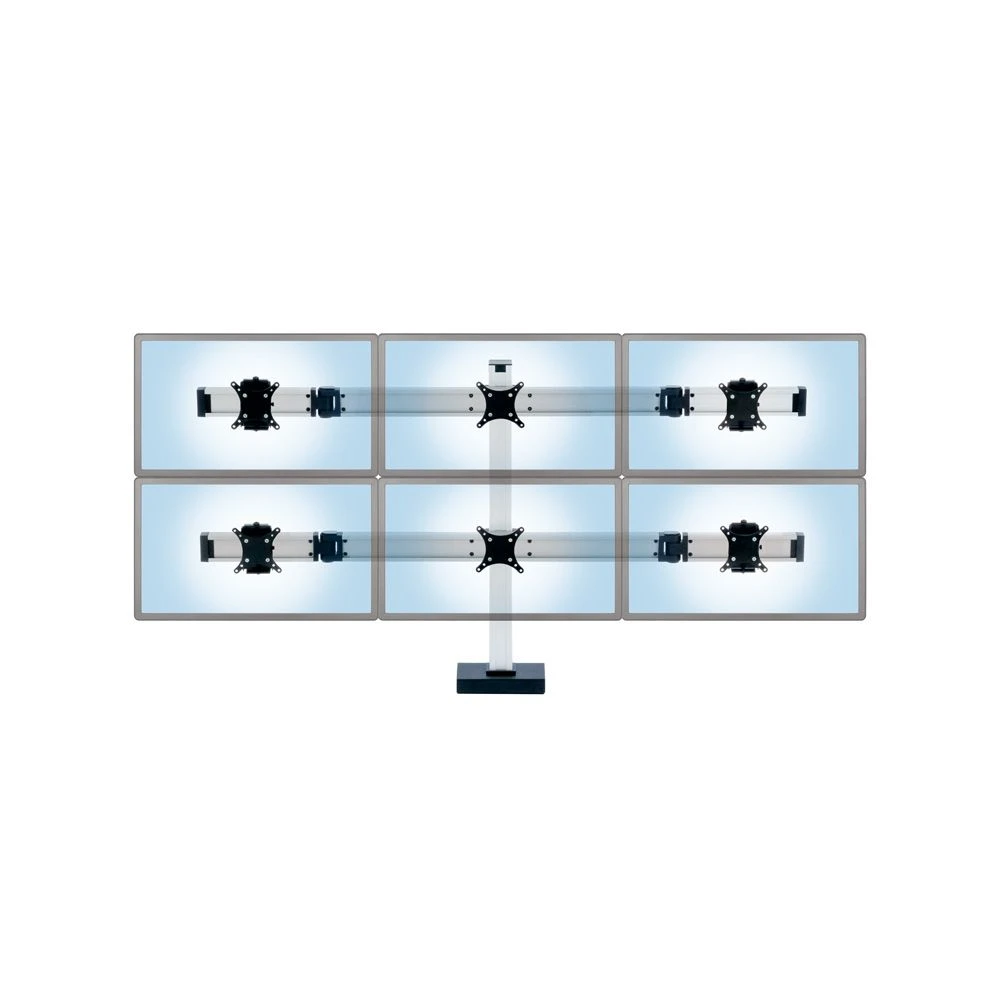
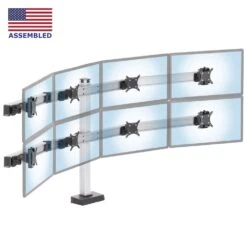
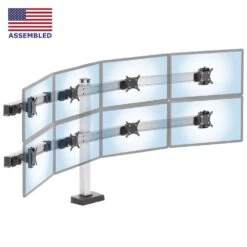
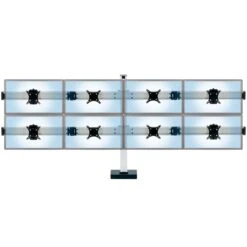
- Position 2, 3, 4, 6, or 8 monitors in a flat or curved configuration
- Premium components offer maximum flexibility in monitor positioning and orientation
- Select clamp or through desk mounting options
- Simple and elegant design enables effective, clutter-free cable management
- Pole-mounted configurations also available
- Questions? Please call us at 888 420 3200
Security operations rooms, healthcare central monitoring units, trading desks at financial institutions, multi-monitor gaming set-ups: these are just a few of the computing environments where a large number of monitors must be viewed simultaneously, often by multiple users.
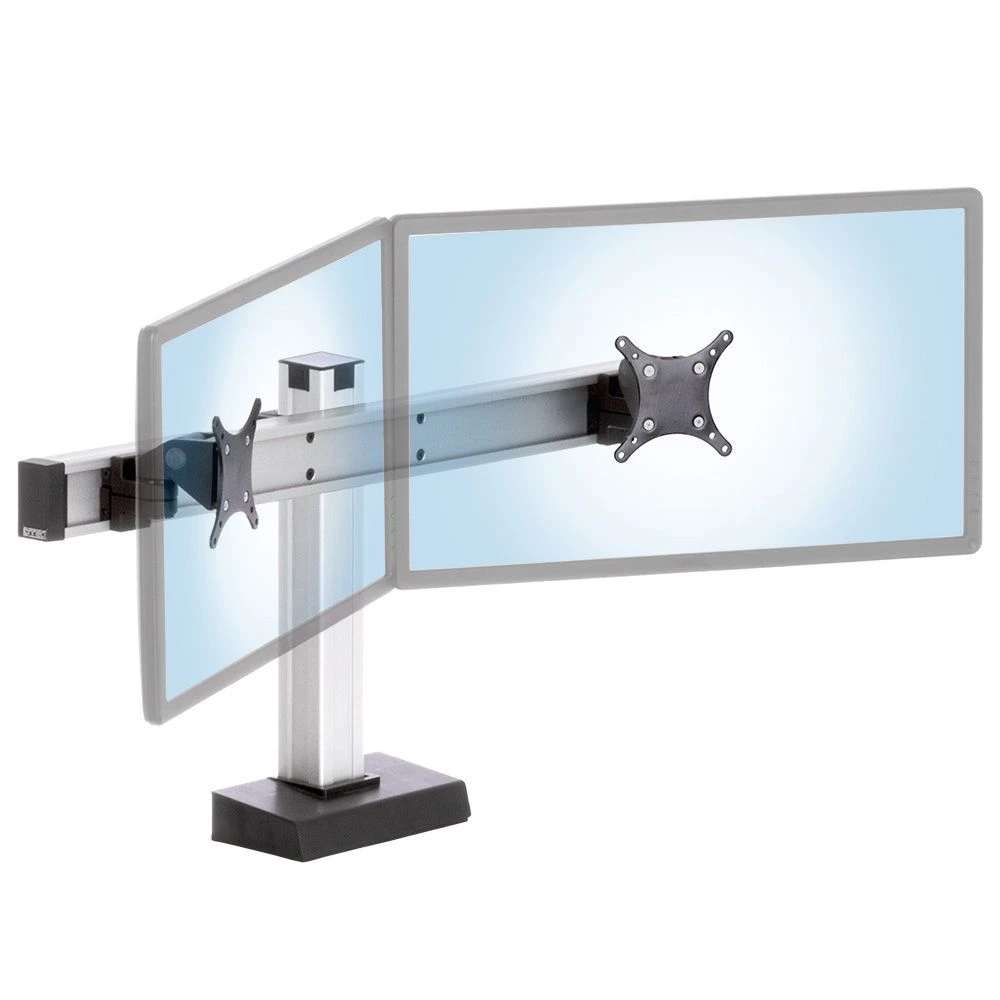
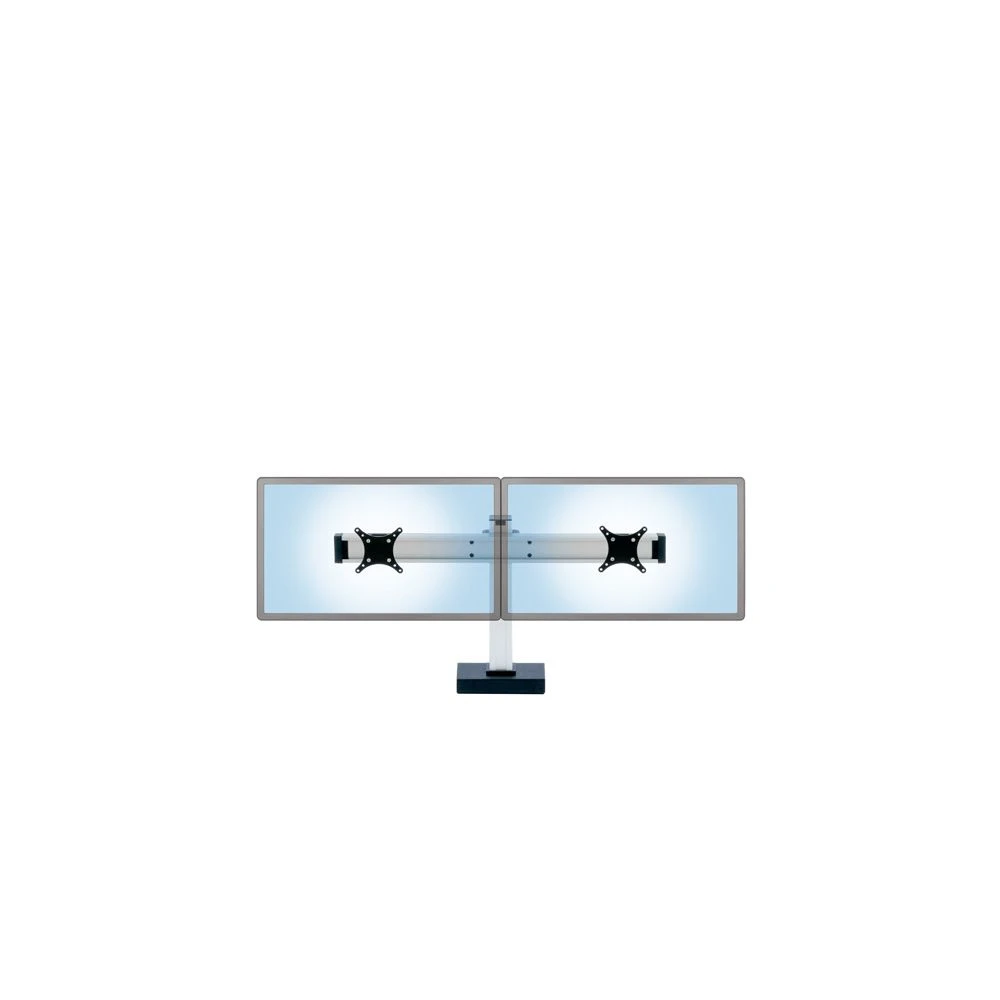
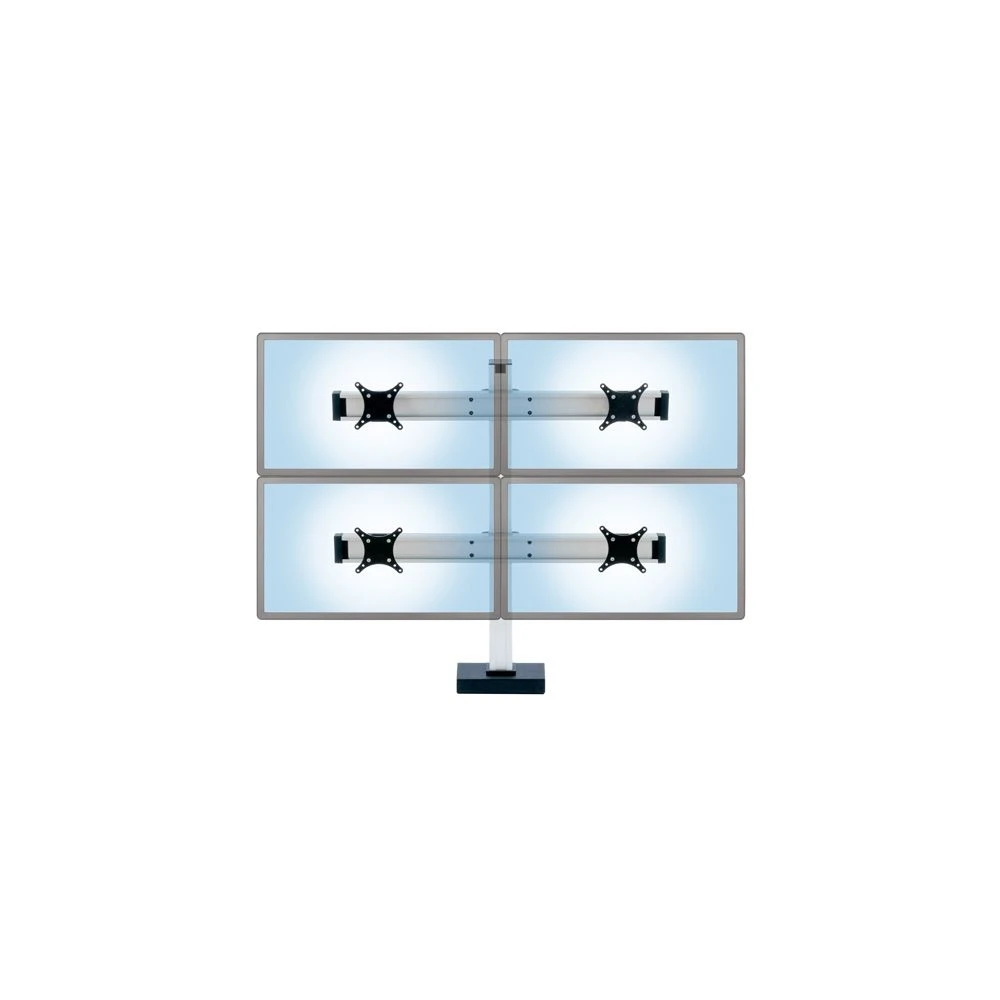
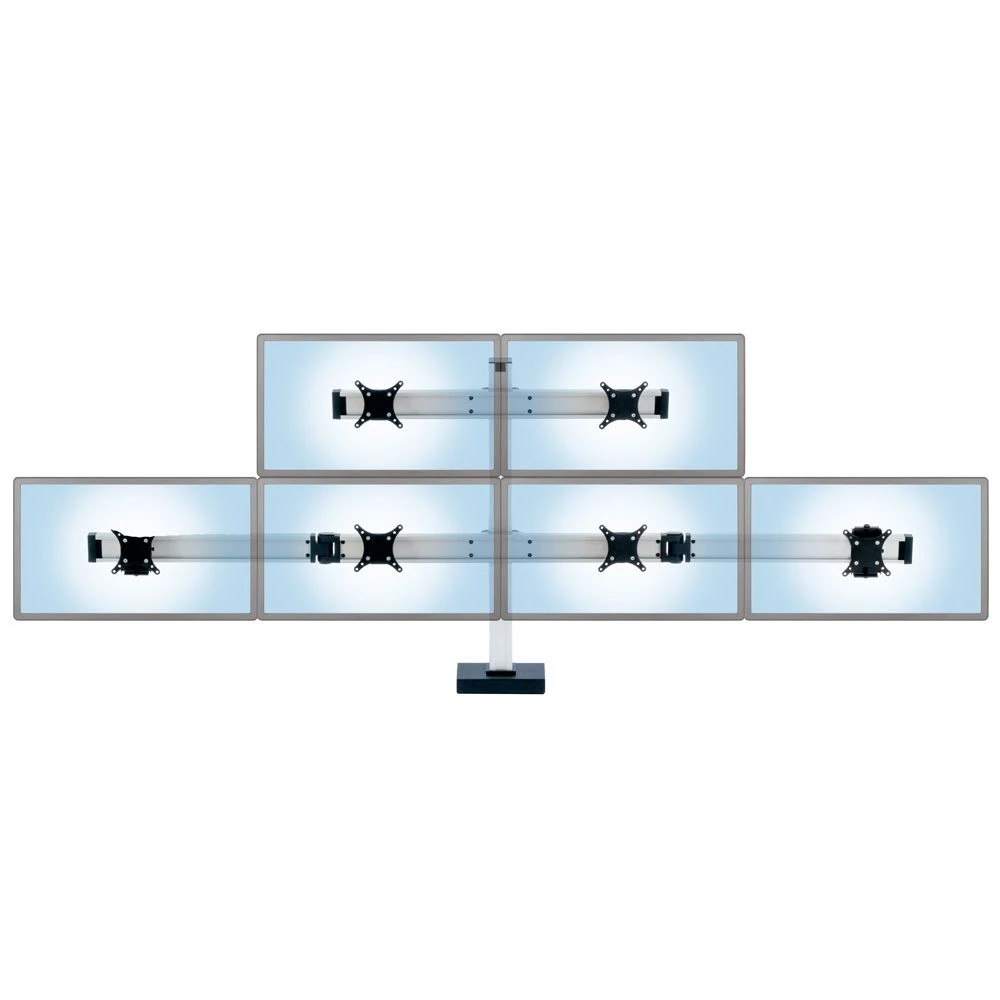
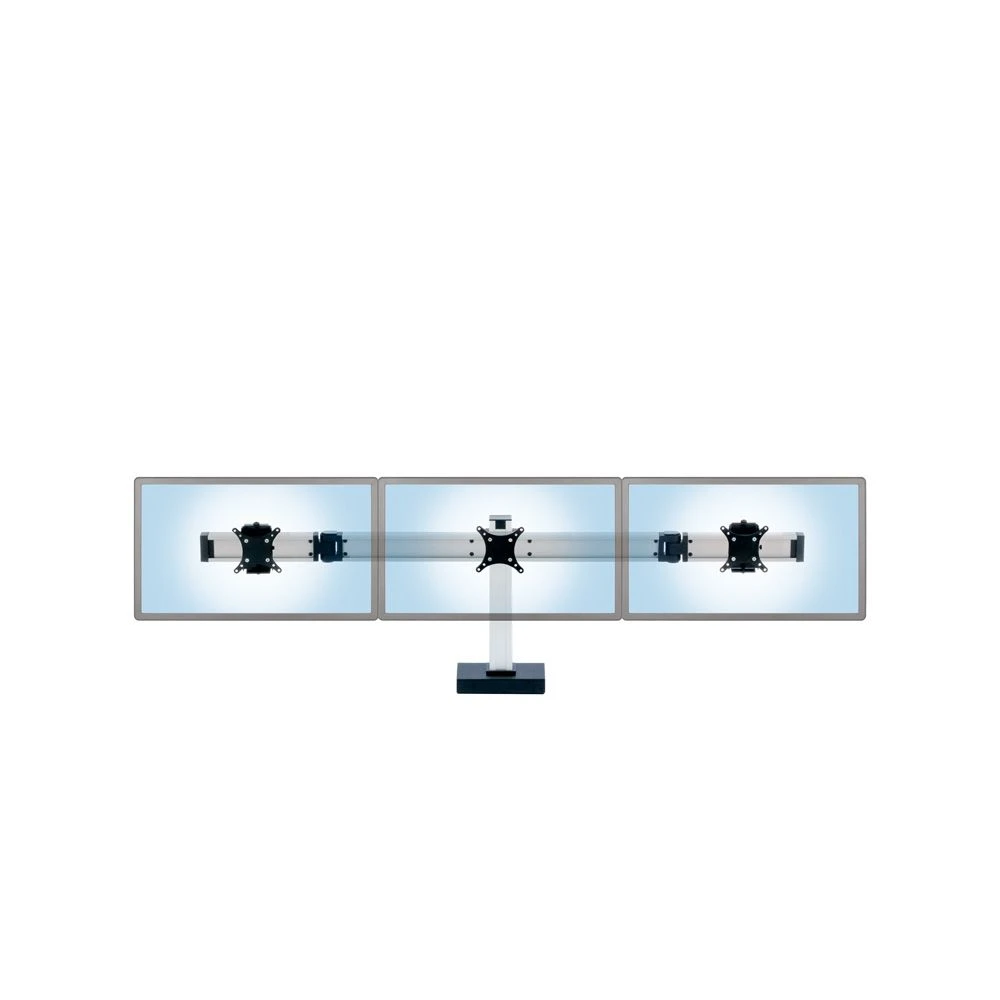
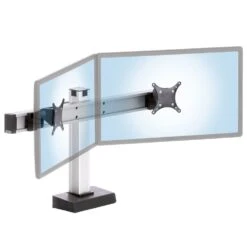
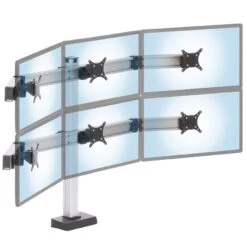
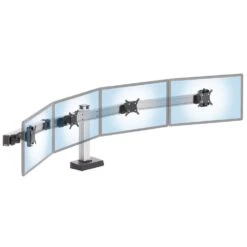
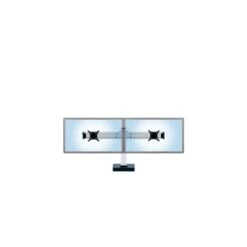
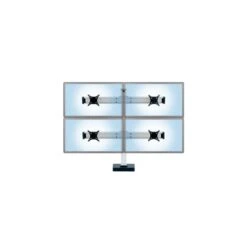
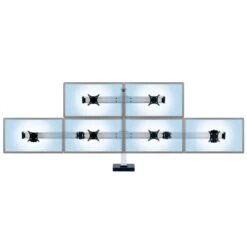
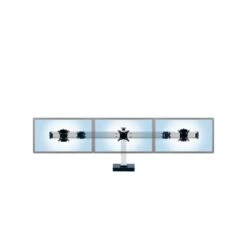
The CONNECT multi-monitor desktop stand is a reliable, configurable, and scalable system designed to fit a large number of such applications. The efficient, modular design allows starting with something as small as a two monitor configuration and gradually expanding to include more monitors, while maintaining visual coherence and maximally re-using the original parts. The components easily connect together to create Dual, Triple, Quad, 2-over-2, 3-over-3, and 4-over-4 monitor configurations. Expansion beyond 8 monitors is possible and currently under development.
A great deal of adjustability is inherent in the design of the product. The relative height of the row(s) of monitors is set at installation. The central and lateral horizontal beams allow the monitors to be spaced with infinite granularity, accommodating a wide range of monitor sizes. The beams may be aligned to effectively create a wall of monitors, or easily angled at the connecting hinges in an arc-like configuration. The premium tilter head design supports a considerable amount of positive and negative tilt, full horizontal swivel, and instant change in orientation from landscape to portrait. The vertically adjustable VESA tilter adapters provide a high-degree of individual control of the relative height of each screen to ensure perfect alignment of the monitors at the edges with those at the center.
The CONNECT’s robust and stable construction is built around a sturdy static column and allows it to support monitors weighing up to 30 pounds each. Two options are available for mounting to a desk. The included through desk mount requires drilling through holes in the desk and is better suited for heavier monitors. The optional clamp mount attaches to the edge of the work surface.
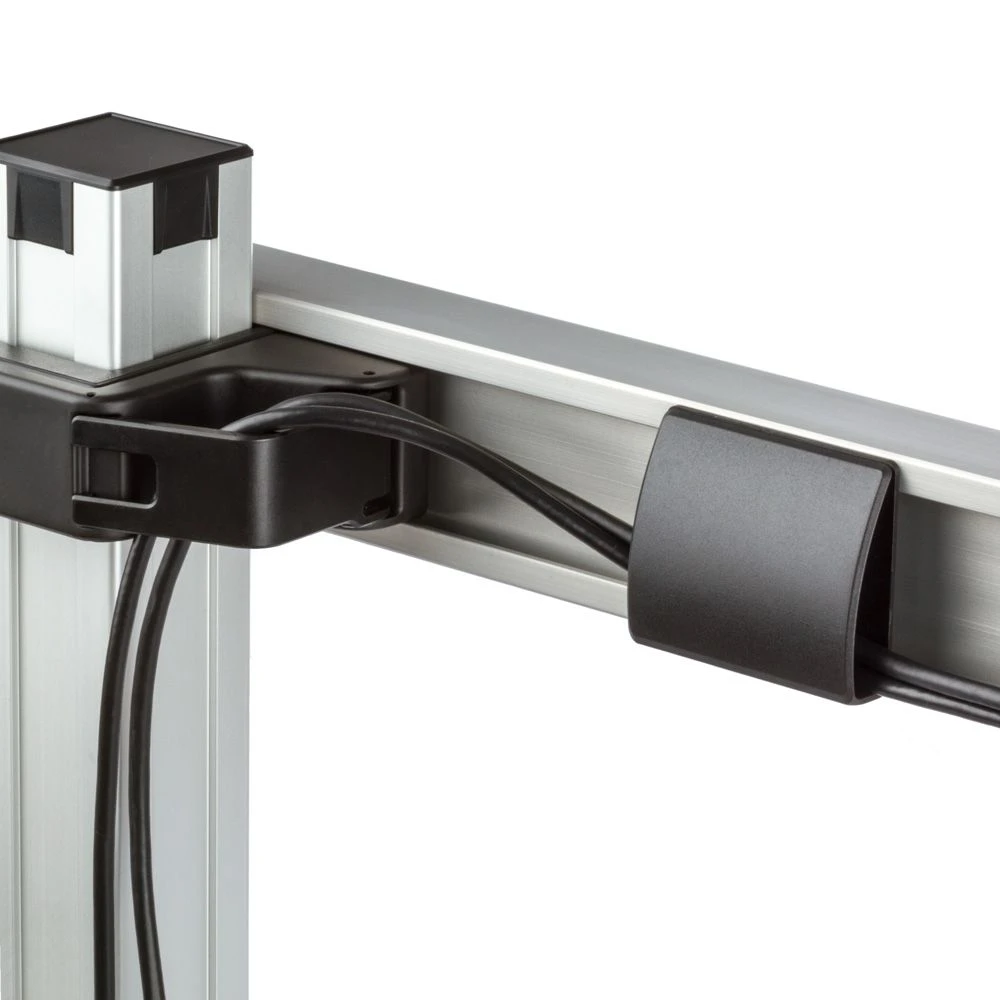
The cable management system is simple and flexible. Wire guides that can slide along the back face of the horizontal beams and clips positioned at the attachment point of the beams to the vertical columns are used to route and conceal the various cables.
MODULAR DESIGN
The modular, versatile CONNECT multi-monitor stand can easily scale from a relatively simple, two monitor version all the way up to a two-tier, 8 monitor setup. The unique design provides plenty of adjustability to the various mounting components, allowing the user to precisely arrange the monitors in the desired configuration.
CLAMP MOUNT
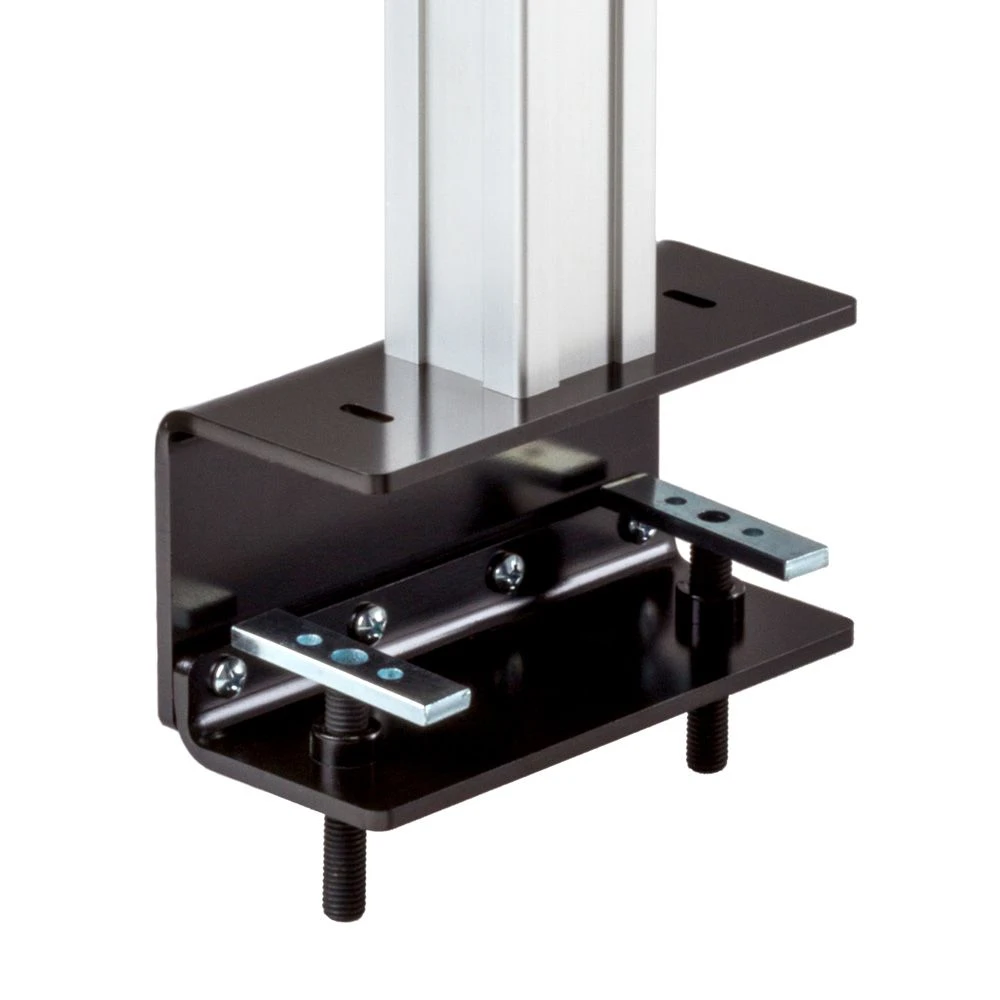
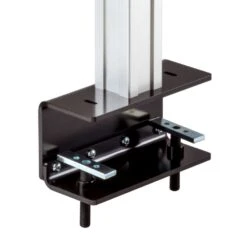
The CONNECT can be mounted to a desk surface using one of two mounting options. The clamp mount assembly is designed to attach the main column to a desk up to 3 inches thick. It is usually positioned on the back edge of the work surface and does not require any alterations to be made to the table in the installation process.
THRU-DESK MOUNT
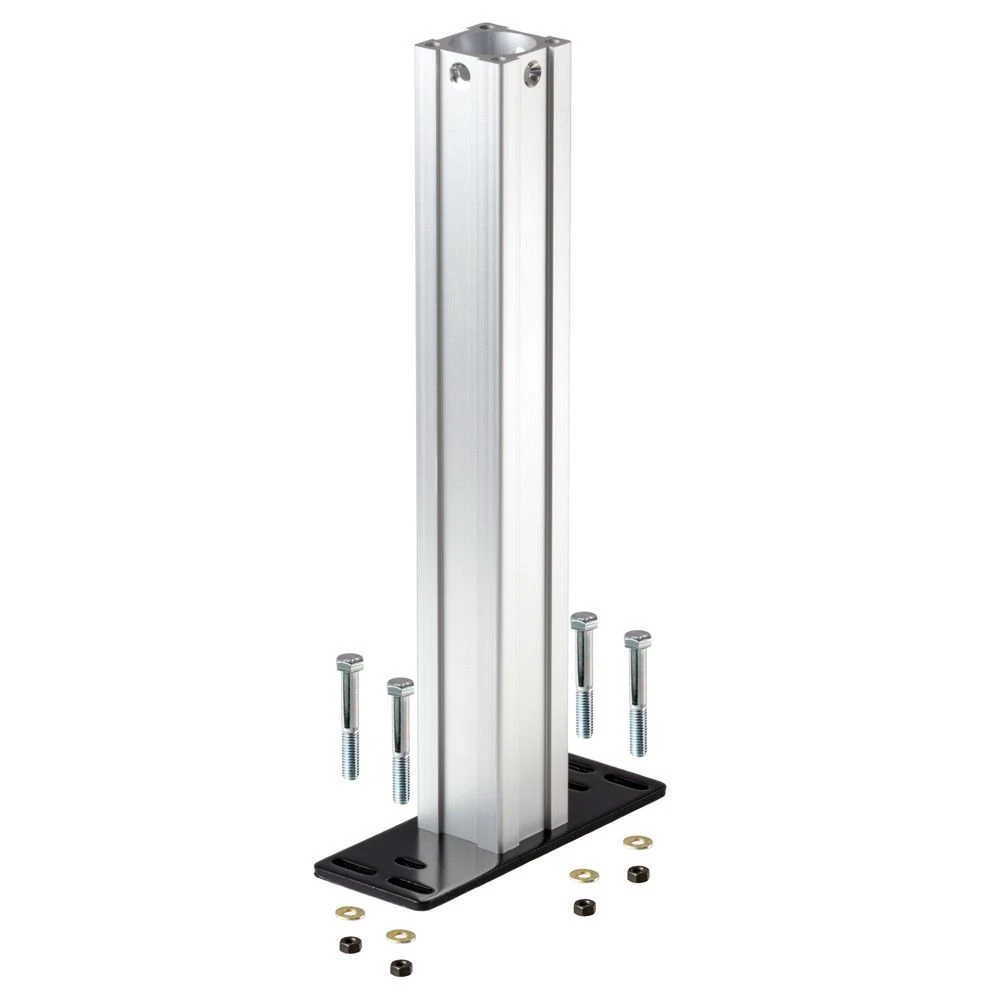
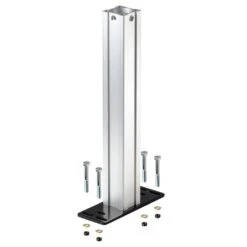
The through desk mount is recommended for a heavier monitor configuration. It is requires four holes to be drilled into the work surface and provides a very sturdy foundation for the multi-monitor stand.
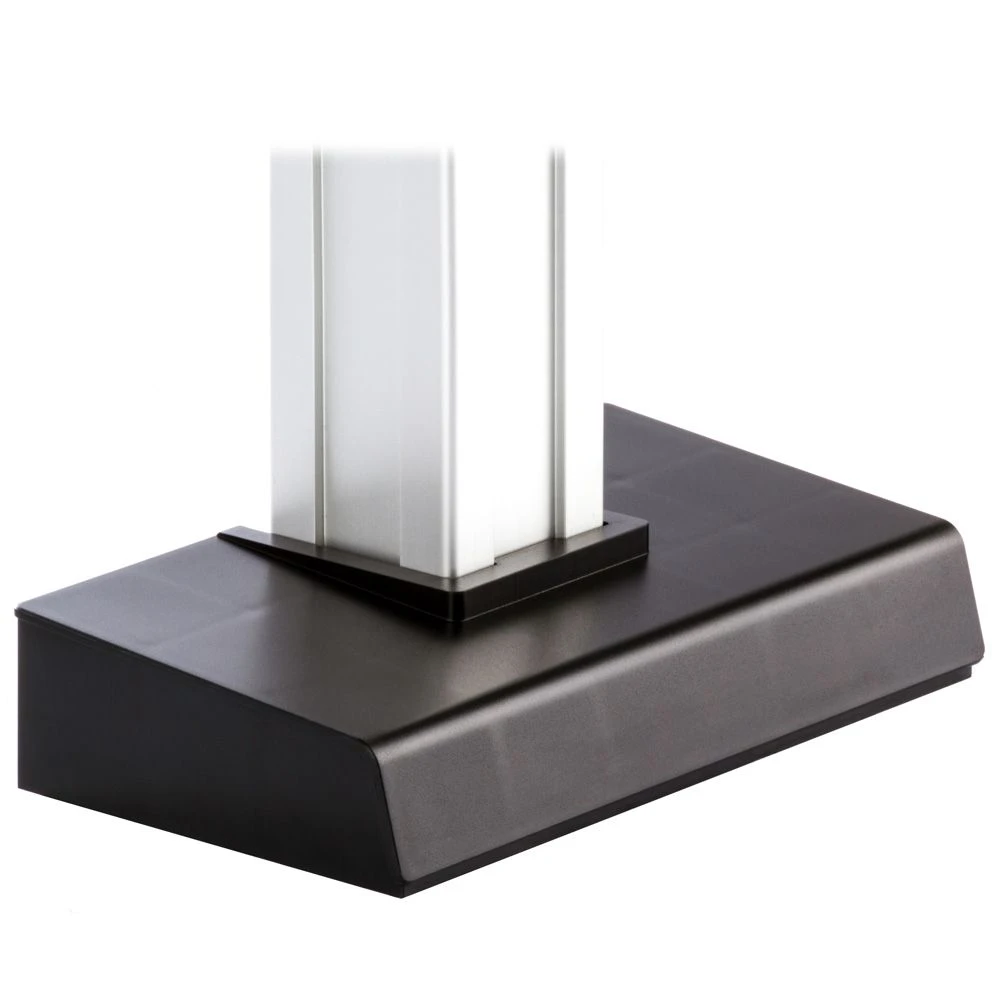
THE BASE
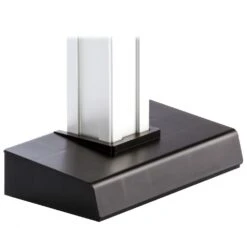
The simple, stylish base cover snugly fits the profile of the main column and provides a clean, finished look to both the through desk and clamp mount configurations.
END CAPS AND TOOLS
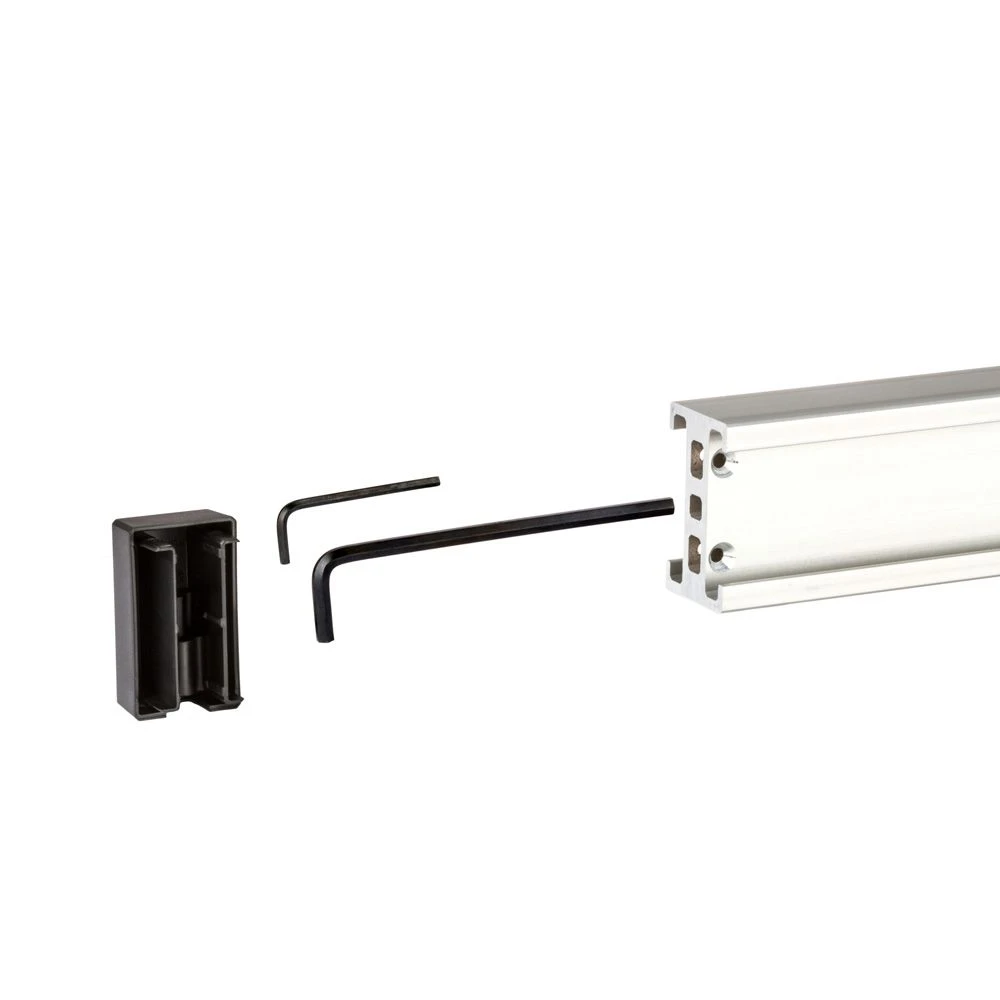
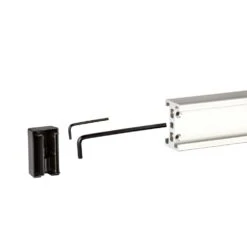
End caps are placed at both ends of each horizontal beam. In addition to being aesthetically pleasing, the caps create a secure location to place tools used in the installation and adjustment of the CONNECT. If required, the end caps can be replaced with hinges when expanding the CONNECT to support more monitors than were present at initial installation.
BEAM HINGES
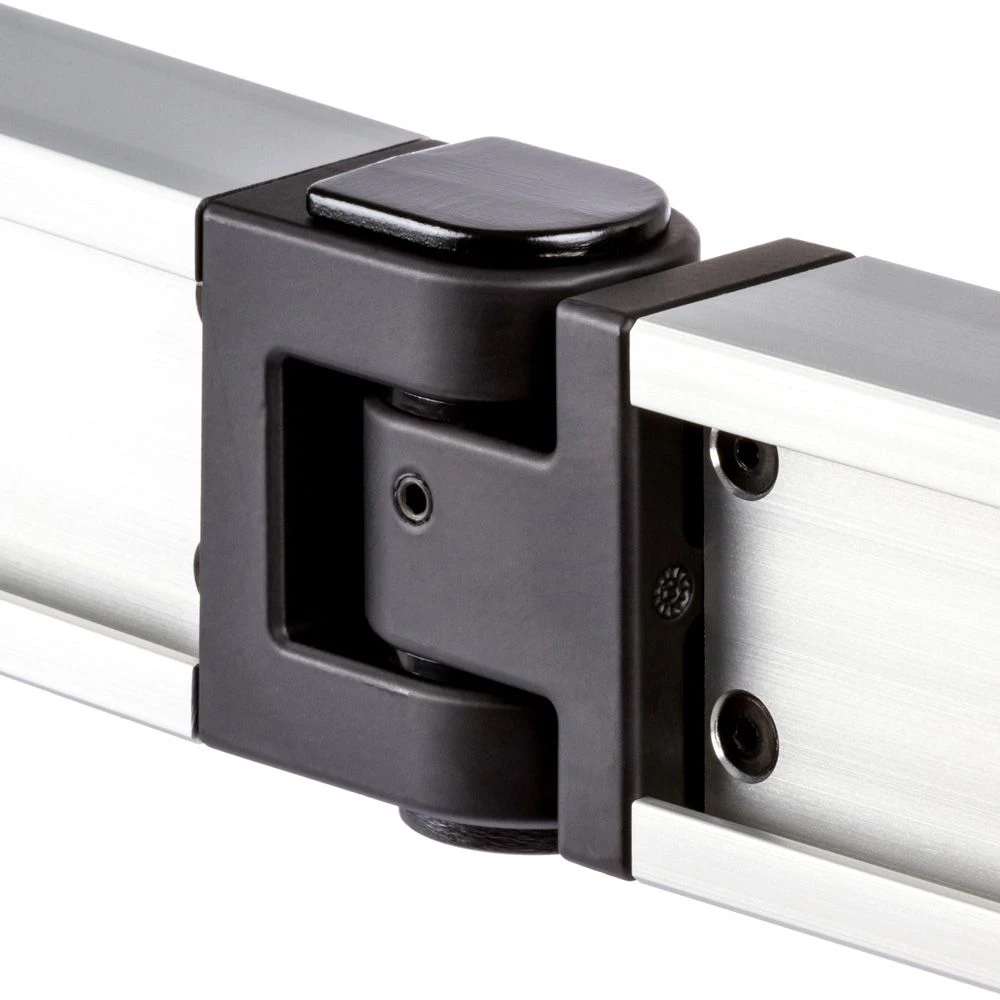
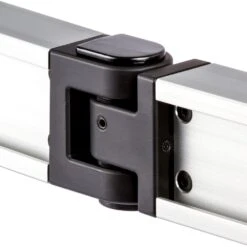
Hinges are used to connect each horizontal beam segment. They allow the beam to either lay flat, creating a wall of monitors, or can be adjusted to situate the monitors into an arc shape.
MONITOR MOUNTS
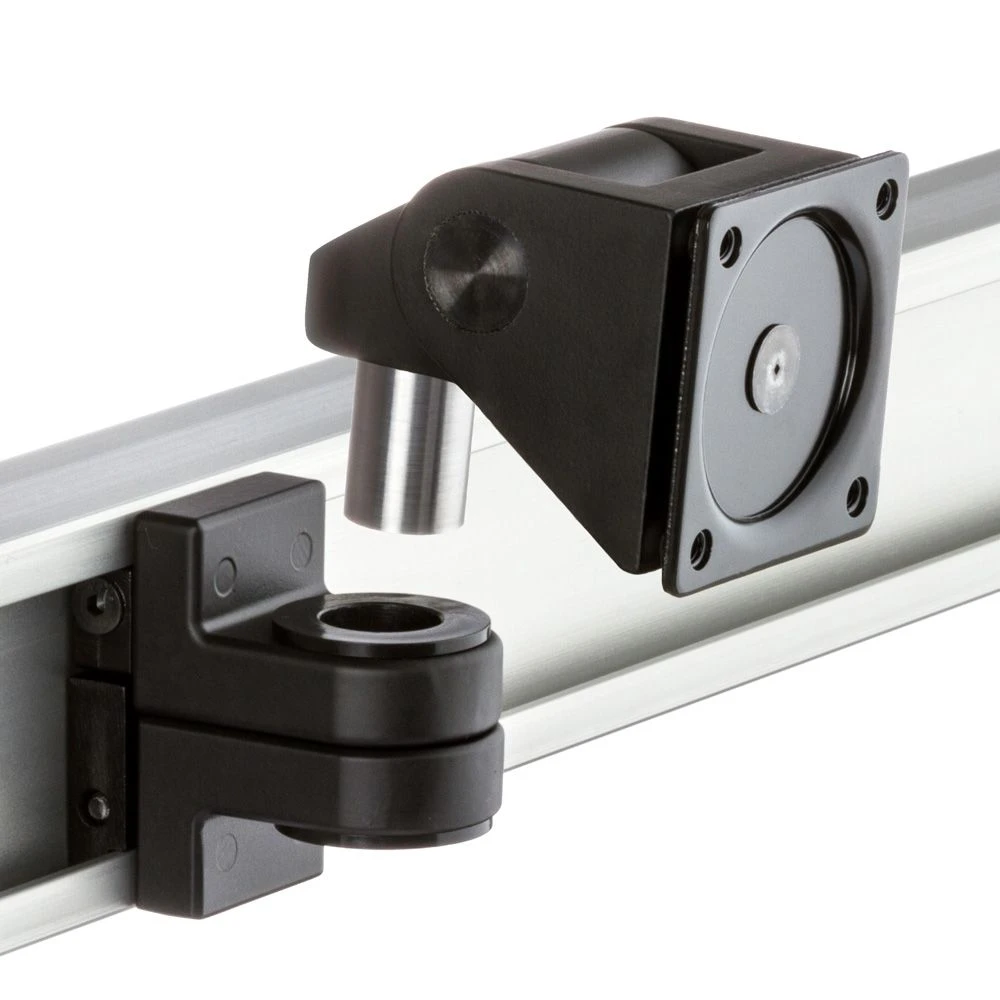
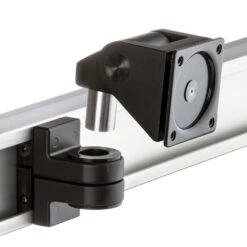
Monitor installation, adjustment and replacement is simple and convenient. The monitor tilter head mechanism is inserted into a mount assembly which can be installed without needing to remove any of the other pieces of the CONNECT. This mount and the tilter head can be moved anywhere along the beam to achieve the desired monitor positioning.
WIRE MANAGEMENT
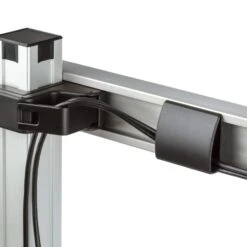
Cable clips are located in both the horizontal beams and along the column so cords can be maintained along the entire device giving the Connect-S a clean, polished look regardless of the number of monitors and cables.
VESA ADAPTERS
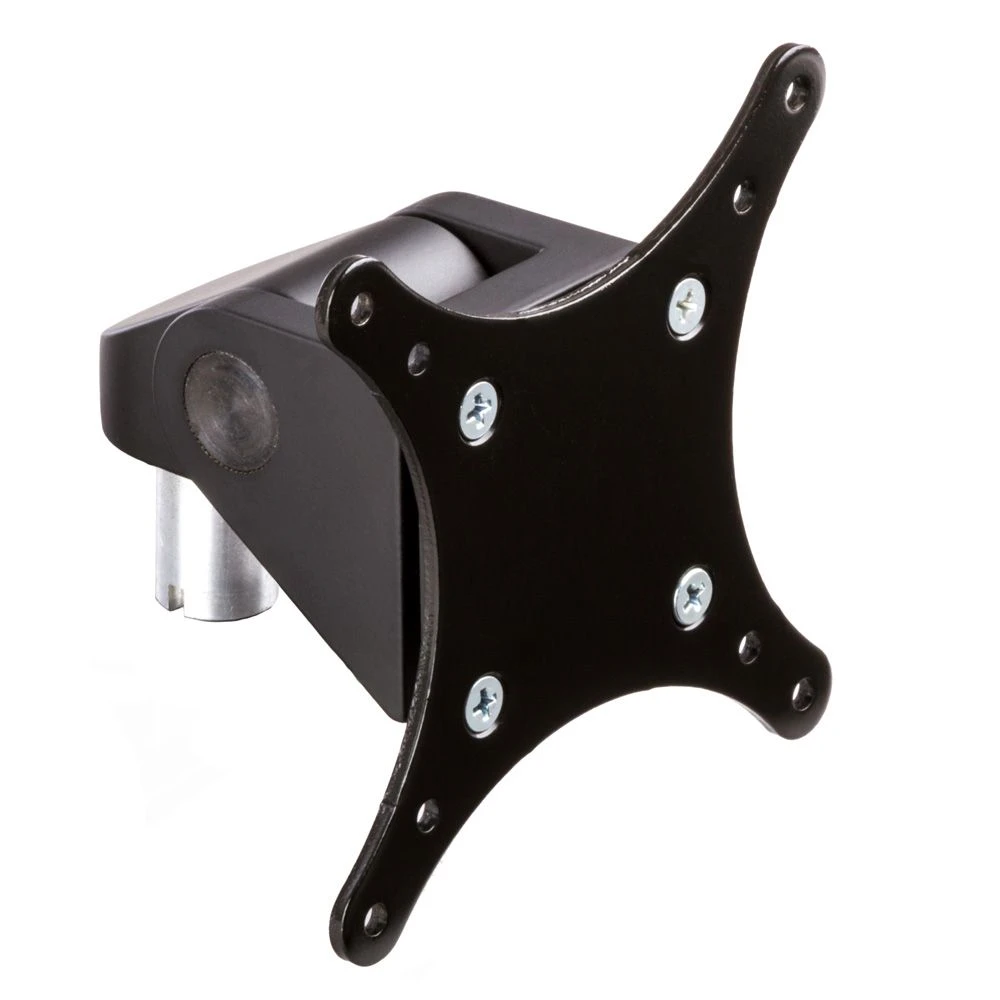
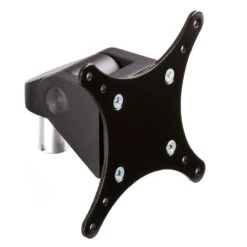
The tilter head comes standard with a VESA adapter plate compatible with monitors with 75 x 75 mm and 100 x 100 mm standard hole patterns. Other VESA options are available. Please call us at 888 420 3200 for more information.
HEIGHT ADJUSTABLE VESA
The height adjustable VESA adapter is a convenient option that allows you to make fine adjustments to the relative heights of the monitors to ensure perfect alignment. All you need is a screwdriver. The adjustments can be made with all the monitors already mounted and truly constitute a fine tuning step for this heavy-duty stand. The Quad and “4-over-4” configurations of the CONNECT feature standard tilters for the inner two monitors along each beam and height adjustable monitor tilters for the outside beams to achieve the desired monitor positioning.
COLUMN CAPS
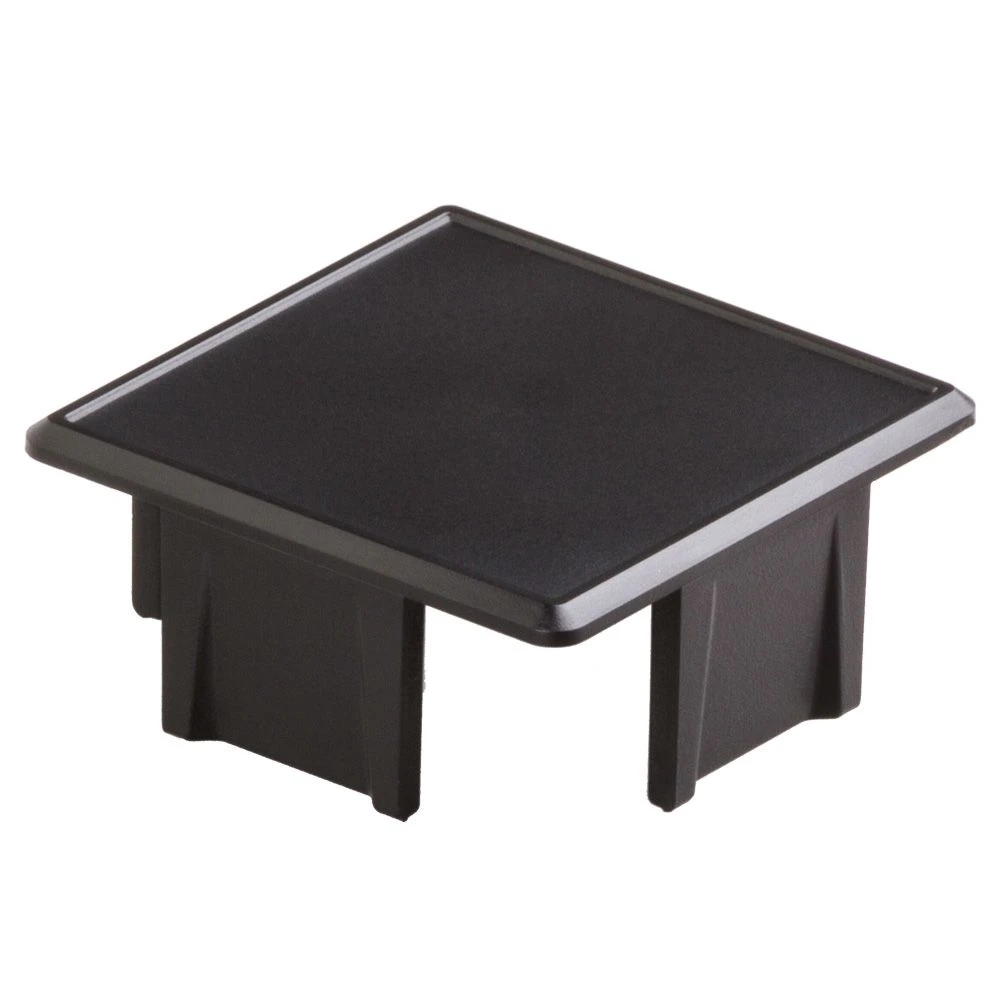
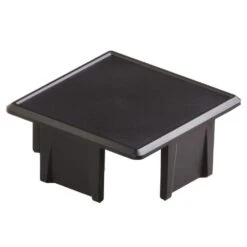
This plastic cap is designed to sit on top of the vertical column, giving it a clean look. When two columns are stacked, the cap on the lower column is moved to the top of the upper column and replaced by a “single-tier to dual-tier conversion kit”.
| Connect Family Shipping Weights and Dimensions | |
| Configuration | Static Column |
| Connect-2 | 21 lb, 40″x14″x6″ |
| Connect-3 | 32 lb, 41″x15″x15″ |
| Connect-4 | 39 lb, 41″x15″x15″ |
| Connect-22 | 39 lb, 41″x15″x15″ |
| Connect-33 | Box 1: 39 lb, 41″x15″x15″, Box 2 & 3: 11 lb, 39″x14″x6″ |
| Connect-44 | Box 1: 39 lb, 41″x15″x15″, Box 2 & 3: 18 lb, 39″x14″x6″ |
| Clamp Mount | adds 7 lb to Box 1 |
-
ARM RETRACTION
The extended beams can be adjusted on the hinges to create a flat or arched configuration.
-
MONITOR HORIZONTAL MOVEMENT
The monitor mounts can be placed anywhere along the horizontal beam, thus accommodating a wide range of monitor sizes.
-
MONITOR SWIVEL
The monitors independently swivel left and right with only the beam obstructing motion, allowing plenty of range for optimal orientation of each monitor.
-
MONITOR TILT
The monitors can be adjusted up to 90° in the upward direction and 45° downward with respect to vertical orientation, allowing the user to select the most comfortable viewing angle.
-
MONITOR SPIN
The monitor’s orientation can be changed from portrait to landscape with an instant adjustment.
| Column | Static |
|---|---|
| Monitor Configuration | 2 Monitors Side-by-Side, 3 Monitors Side-by-Side, 4 Monitors Side-by-Side, 4 Monitors arranged 2 over 2, 6 Monitors arranged 3 over 3, 8 Monitors arranged 4 over 4 |
| Optional Mount Kit | Clamp Mount |
| Mount Type | Multi-Monitor Desktop Stand |
| Number of Monitors | 2 to 8 |
| Mounting | Through Desk Mount Clamp Mount Rail Mount |
| Weight Range | up to 30 lbs per monitor |
| Monitor Horizontal Reach | 8.5" mount to monitor in flat setup |
| Vertical Adjustment | Readjustable along 17" or 33" column |
| VESA Options | 75 x 75 |
| Portrait to Landscape | Yes |
| Max Swivel (at Monitor) | Up to 90° depending on monitor size/tilt |
| Monitor Tilt Range | +90° up, -45° down |
Be the first to review “Connect Multi-Monitor Stand”
Related products

Monitor Mounts

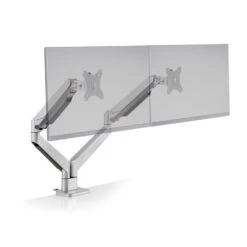
Monitor Mounts

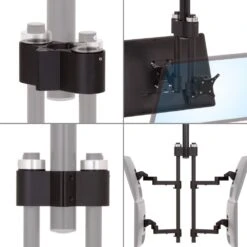
MCART Computer Carts
MCART Computer Carts
Monitor Mounts

Monitor Mounts

Monitor Mounts
Monitor Mounts
Reviews
There are no reviews yet.